

Video Compressor & Trimmer


Read our comprehensive review of Video Compressor & Trimmer for Windows. Learn how this free tool helps you compress, crop, and convert videos to MP4.
Reclaim Your Storage Space Instantly
The primary struggle for desktop video editors and content creators is managing massive file sizes. The Video compressor & Trimmer video compression tool offers an elegant, system-friendly solution to this exact problem on Windows. Developed by Fruit Candy, this utility focuses on shrinking your media down to size without compromising on visual integrity, making it an essential addition to your media management toolkit.
Key Features of Video Compressor & Trimmer
Unlike complicated video editors that require steep learning curves, this application provides a streamlined set of tools designed to get the job done quickly. Here is what you can expect:
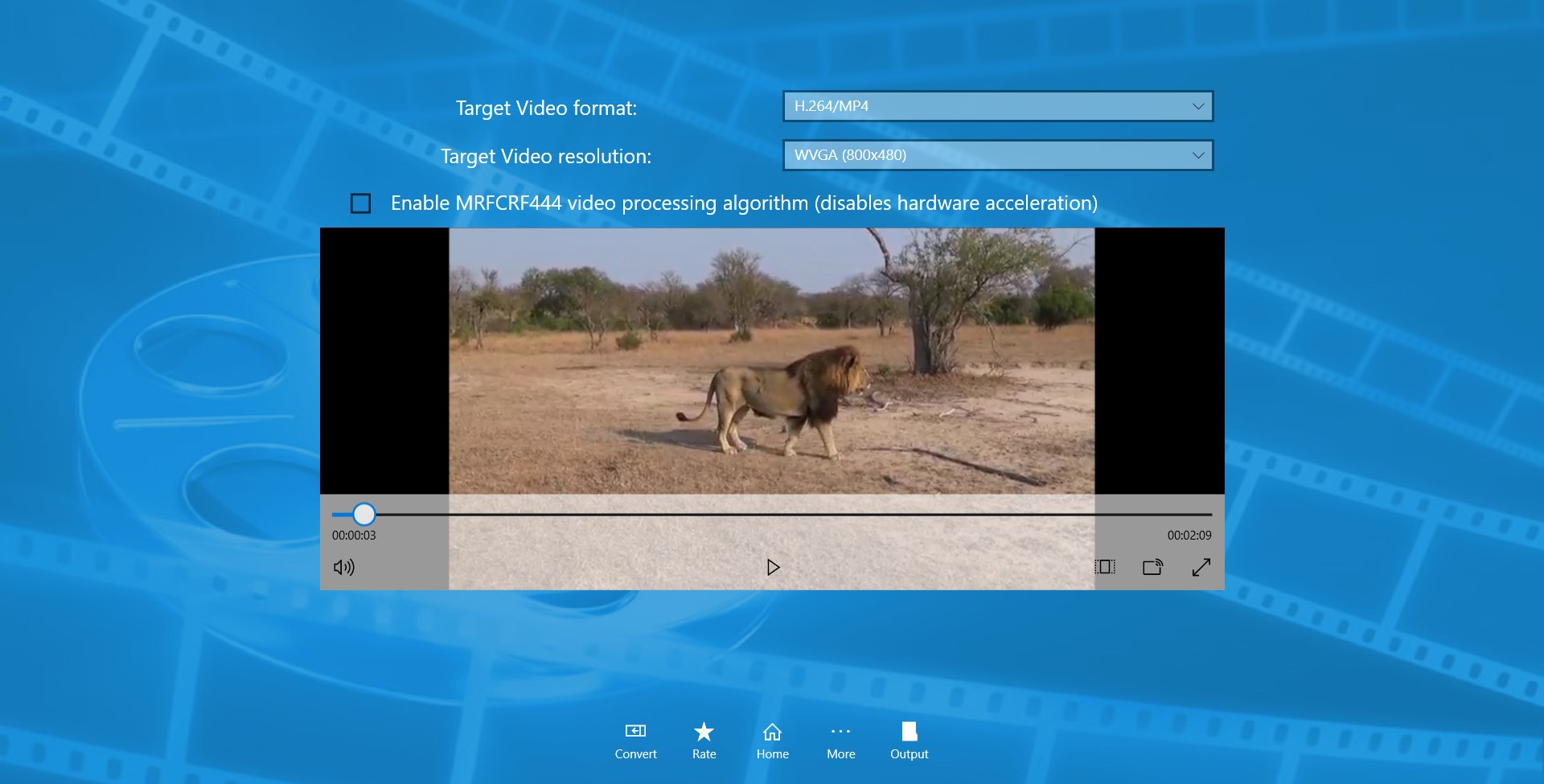
- Efficient MP4 Conversion: Convert various video formats directly into highly compatible MP4 files to ensure they play smoothly on any device.
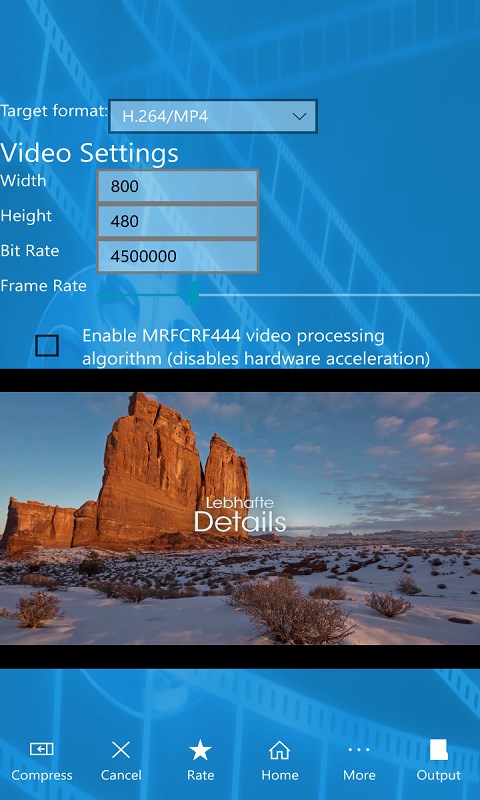
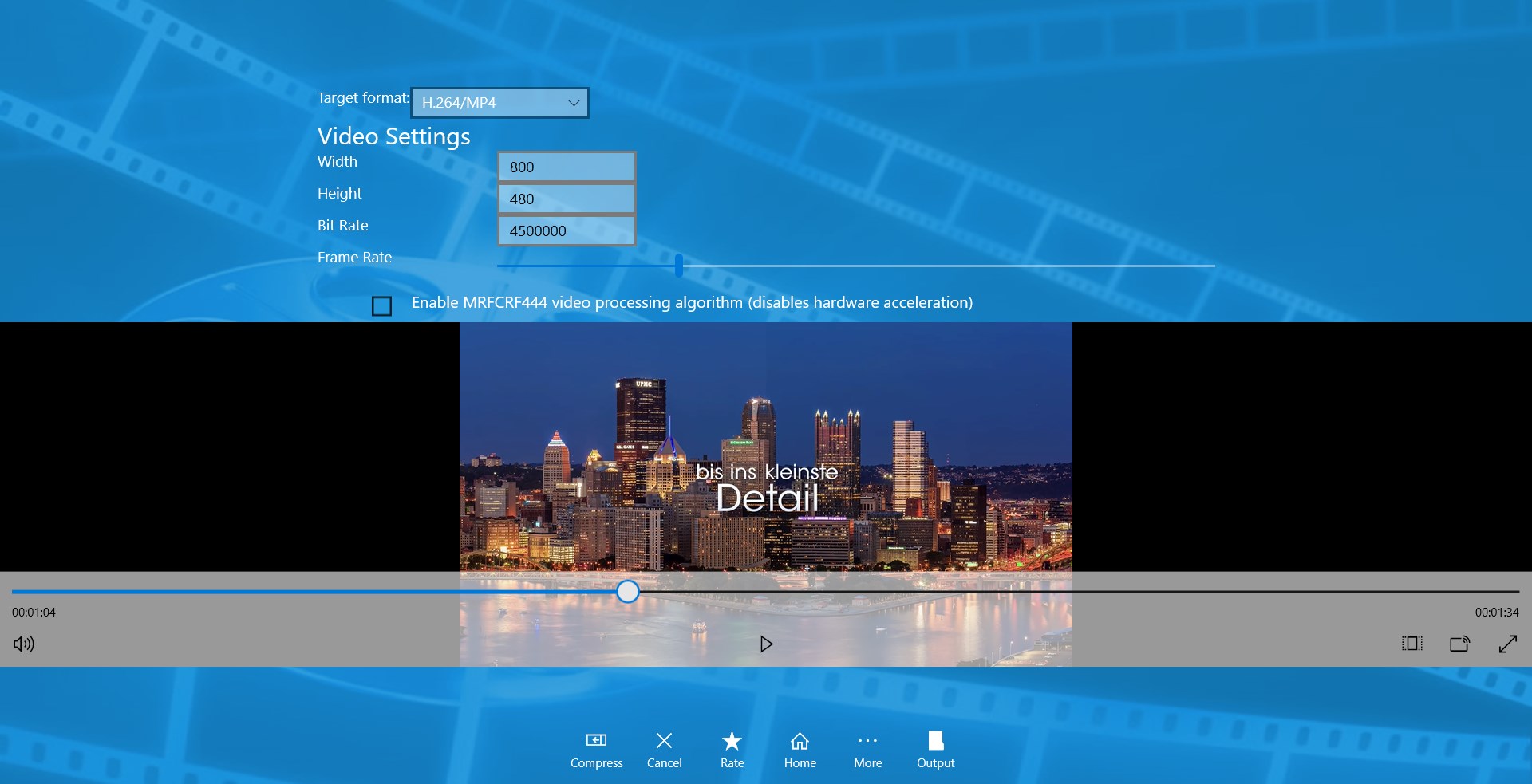
- Granular Compression Controls: Take full control of your output by customizing the video frame height, width, frame rate, and bitrate.
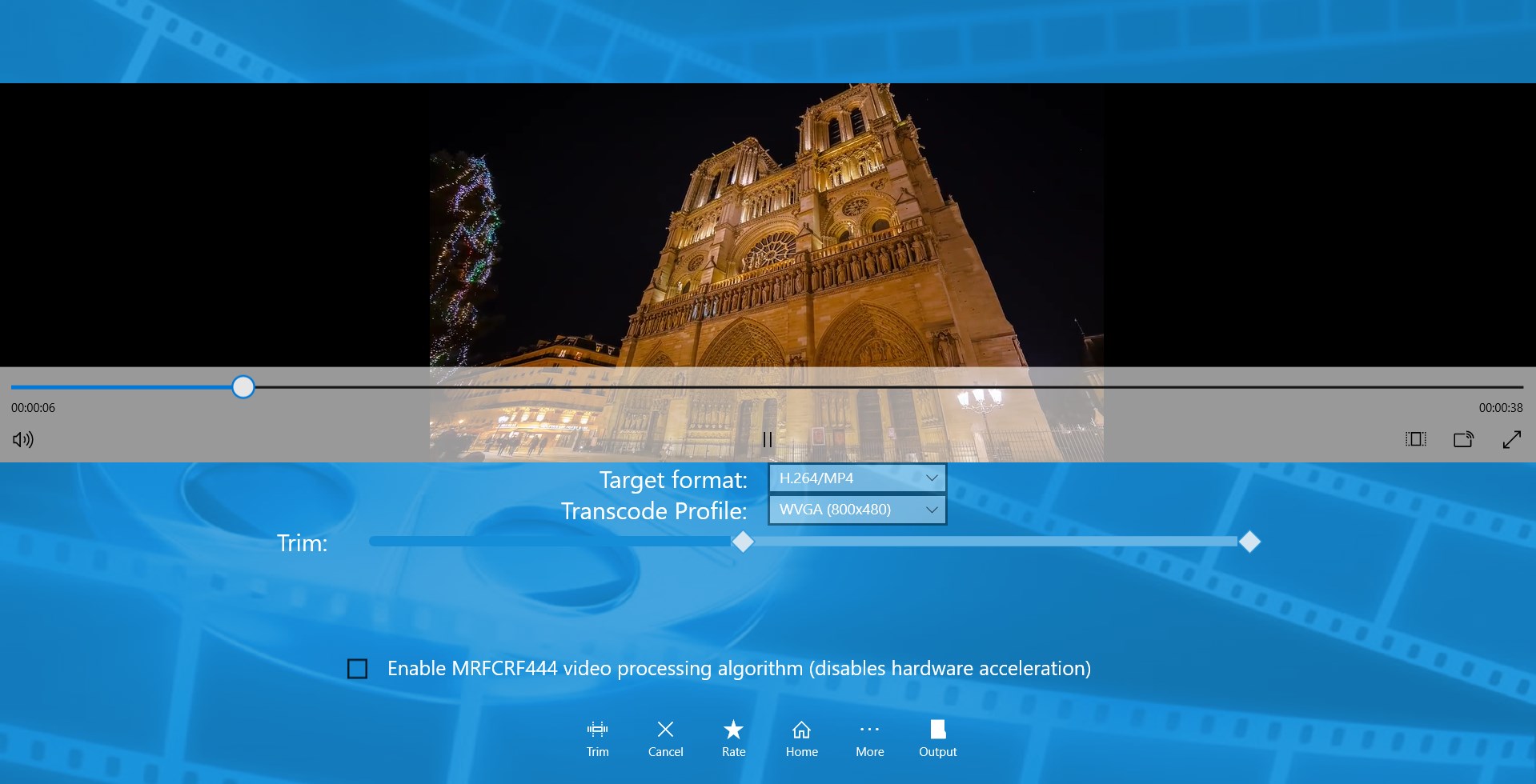
- Lossless Trimming & Cutting: Remove unwanted footage or crop your videos while maintaining high-quality output.
- Memory Optimization: Compress high-resolution videos into incredibly small file sizes to free up valuable storage space on your local drives.
Who Is This Tool Designed For?
Whether you are a casual user trying to send a video over email or a professional looking to optimize media assets, the Video compressor & Trimmer video compression tool serves a wide audience. Its simplified interface ensures that anyone can start optimizing files immediately, without needing prior video editing experience. It is particularly useful for Windows users who need a lightweight, dedicated utility that does not hog system resources.
Final Verdict: A Reliable Utility for Windows
If you are tired of dealing with bloated file formats and complex editing suites just to perform basic cuts and compression, this utility is highly recommended. It delivers on its promises of speed, simplicity, and quality preservation. To try it out for yourself, head over to the official Microsoft Store page to acquire the application.