Audio Converter Any Format

Read our comprehensive review of Audio Converter Any Format for Windows. Learn how to convert, trim, and customize your audio files with ease.
Convert Any Audio File Instantly on Windows
If you have ever struggled with an audio file that refuses to play on your preferred device, the Audio Converter Any Format utility by Cidade is the straightforward solution you need. Instead of dealing with complex command-line tools or sketchy online uploaders, this dedicated Windows application allows you to convert, trim, and adjust your sound files locally on your PC. It is built specifically to handle a vast array of formats, making file incompatibility a thing of the past.
Broad Format Support and Customization
The core strength of the Audio Converter Any Format utility lies in its versatile compatibility. Whether you are dealing with common formats or more specialized professional codecs, this tool processes them with ease. Supported formats include:
- Standard formats: MP3, WAV, M4A, and AAC
- Lossless and high-fidelity options: FLAC and AIFF
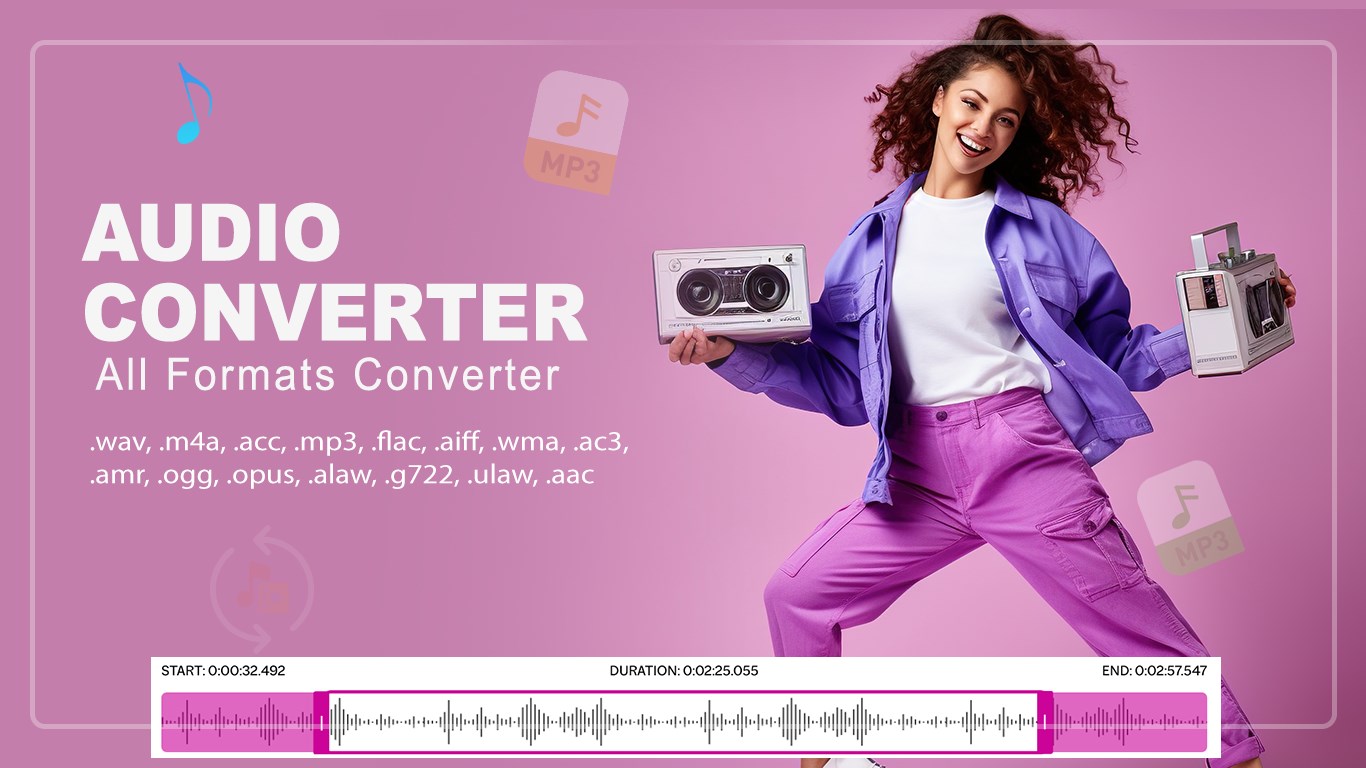
- Legacy and voice-optimized codecs: WMA, AC3, AMR, OPUS, ALAW, G722, and ULAW
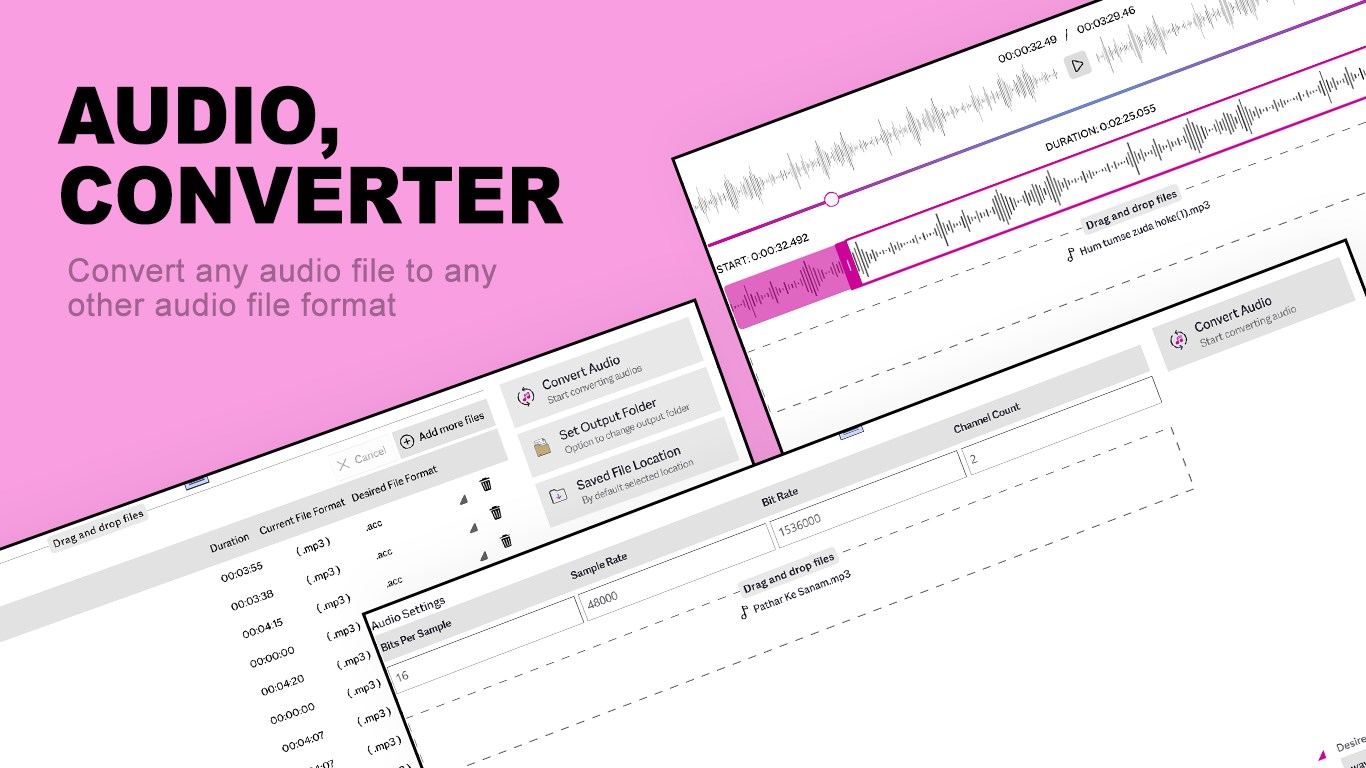
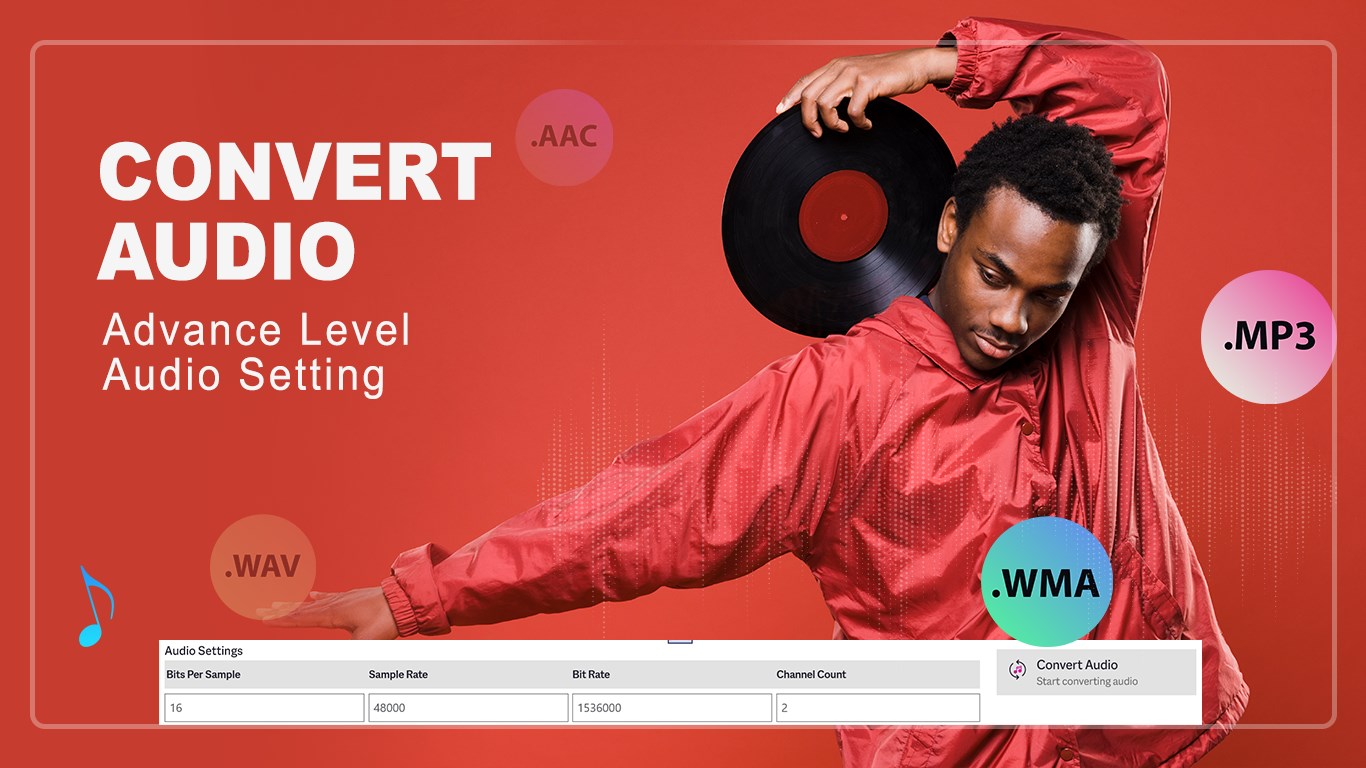
Beyond simple format swapping, the application gives you granular control over your output files. You can adjust the audio bit rate and modify channel counts to optimize files for either high-end speakers or compact storage spaces.
Built-in Audio Trimmer
You do not need a separate, heavy digital audio workstation (DAW) just to shorten a track. The Audio Converter Any Format utility features a built-in trimmer that allows you to cut out unwanted silence, isolate specific audio clips, and save only the segment you need in your target format. This is perfect for creating custom ringtones, extracting sound bites, or cleaning up voice recordings.
Is It Right For You?
This software is ideal for content creators, office professionals, and casual listeners who want a quick, offline method to manage audio files. Because it runs locally on Windows, it provides fast processing times without relying on an internet connection or uploading sensitive voice recordings to the cloud.
If you are ready to streamline your media library, you can find more information and download the application directly from the Official Microsoft Store.