

Phone Drive: File Storage
Read our comprehensive review of Phone Drive: File Storage. Turn your iOS device into a wireless flash drive and manage your files seamlessly.
The Ultimate Solution for Mobile File Clutter
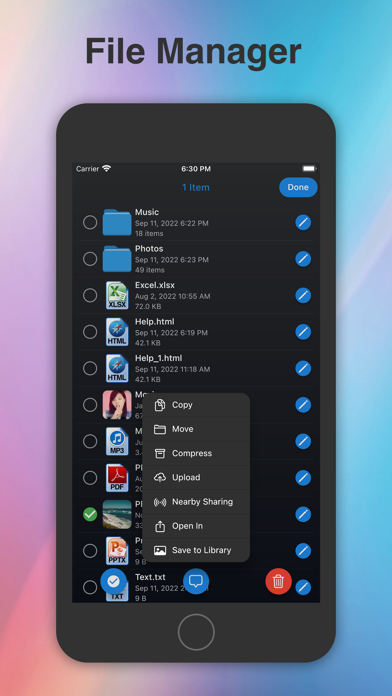
How often do you find yourself needing to quickly transfer a document from your computer to your phone, only to realize you do not have a cable nearby? Sending emails to yourself or using slow messaging apps to move files is a hassle of the past. Phone Drive: File Storage solves this everyday frustration by transforming your iPhone or iPad into an incredibly efficient wireless flash drive and centralized document hub.
Developed by Yew Chen Chung, this powerful utility app bridges the gap between your desktop and mobile devices. Whether you need to store local PDFs, organize media, or link up with multiple cloud storage providers, it acts as a single, unified command center for all your digital assets.
Key Features of Phone Drive: File Storage
This application goes far beyond simple storage, offering a robust suite of tools designed to streamline your daily workflow:
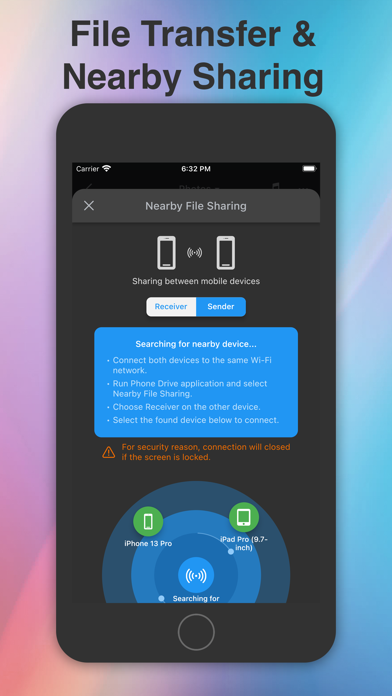
- Wireless Desktop Synchronization: Connect your iOS device to any Mac or PC over Wi-Fi. You can drag and drop files instantly using a standard web browser, Finder, or Windows Explorer without ever reaching for a USB cable.
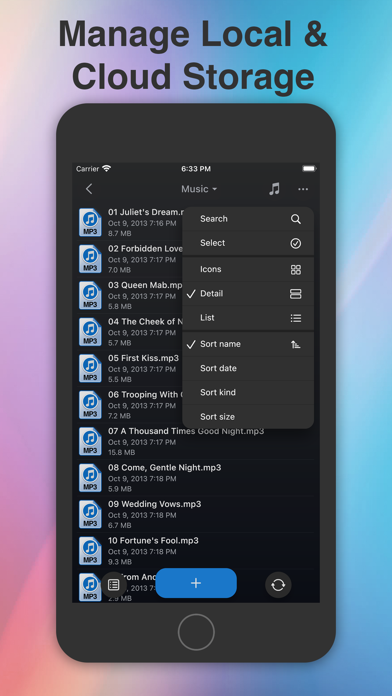
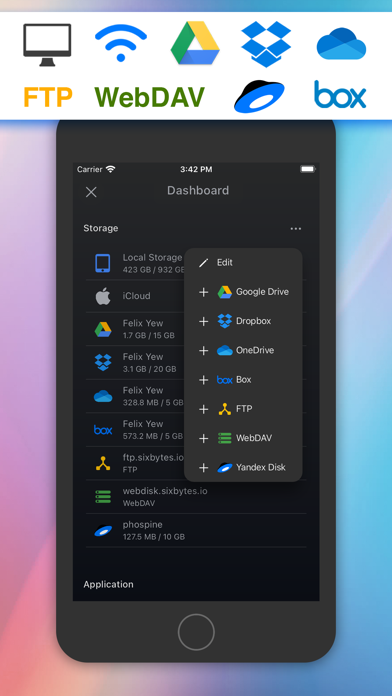
- Broad Cloud Integration: Manage several cloud accounts in one interface. The app supports popular services such as iCloud Drive, Dropbox, OneDrive, Box, WebDAV, Yandex Disk, and FTP.
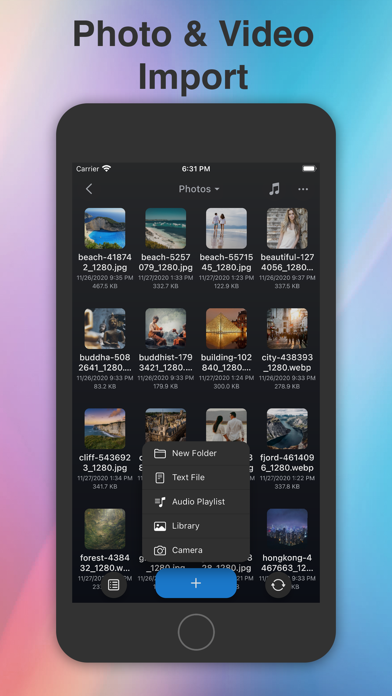
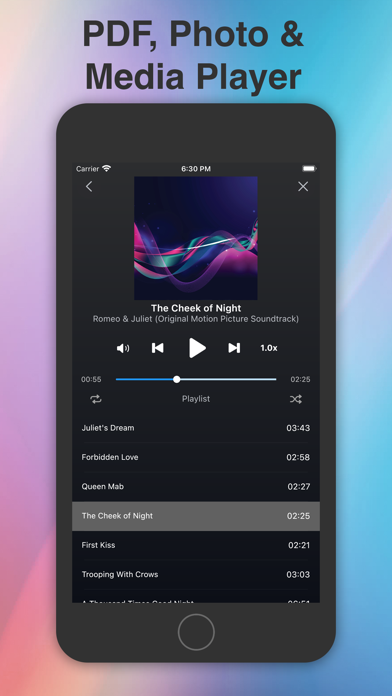
- Built-In Media Players and Document Viewers: You do not need external apps to open your files. View Microsoft Office documents, PDFs, and images, or stream audio and video files directly from your storage or the cloud.
- Integrated Text Editor: Edit plain text files or source code on the fly, making it a handy tool for quick updates on the go.
- Secure File Protection: Keep your sensitive documents safe from prying eyes by securing folders or the entire app with a passcode, Touch ID, or Face ID.
Who is Phone Drive: File Storage For?
If you are a professional who needs constant access to business documents, a student managing lecture slides and PDFs, or simply someone who wants to free up space on their device while keeping files organized, this tool is designed for you. Its universal purchase model means you buy it once and enjoy a tailored experience on both iPhone and iPad.
Should You Add It to Your Workflow?
With its high user rating and versatile feature set, Phone Drive: File Storage stands out as a highly reliable file manager in the iOS ecosystem. It eliminates the friction of cross-platform file sharing and keeps your important data organized and secure. To experience this seamless file management firsthand, head over to the official iOS App Store to learn more and get started.